
What Is a JavaScript Lightbox and How to Add One to Your Site


A JavaScript lightbox plugin is one of the most useful tools you can add to any website. Whether you are building a photography portfolio, a product showcase, or a personal blog, a lightbox lets visitors view images, videos, and galleries in a full-screen overlay — without leaving the page or waiting for a new page to load.
This guide explains what a JavaScript lightbox plugin is, what to look for when choosing one, and how to add a free, modern lightbox to your site in minutes.
What Is a JavaScript Lightbox Plugin?
A JavaScript lightbox plugin is a front-end script that intercepts clicks on images or links and displays the target media in an overlay on top of the current page. Instead of opening a new browser tab or navigating away, the visitor sees the content in a focused, full-screen view with controls to zoom, navigate, or close.
Classic lightbox libraries from the early 2000s relied heavily on jQuery — a JavaScript library that adds significant page weight and is increasingly unnecessary in modern web development. Today the best JavaScript lightbox plugins are built with vanilla JavaScript — zero dependencies, smaller file size, and faster load times.
A modern JavaScript lightbox plugin should handle:
What to Look for in a JavaScript Lightbox Plugin
Not all lightbox plugins are equal. Here’s what separates a well-built JavaScript lightbox plugin from a bloated or abandoned one:
Introducing Zoomora — A Free JavaScript Lightbox Plugin
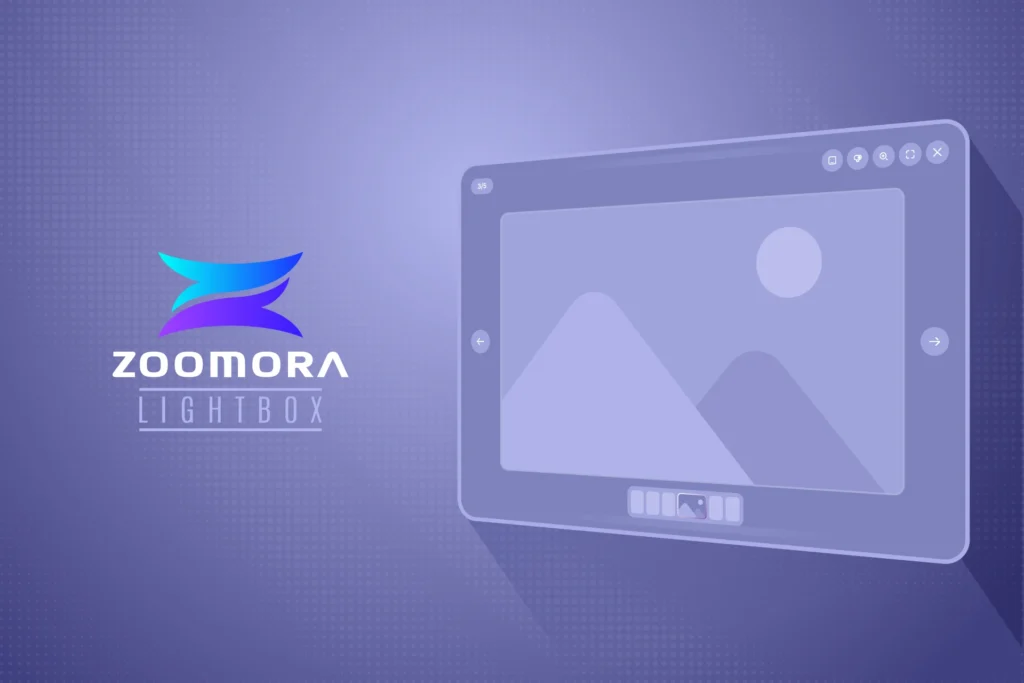
Zoomora is a free, open-source JavaScript lightbox plugin built for the modern web. Zero dependencies, four build targets, and a clean API make it a reliable choice for any project — from a plain HTML portfolio to a fully bundled WordPress theme.
import Zoomora from 'zoomora';

const lightbox = new Zoomora({
  selector: '[data-zoomora]'
});
Add data-zoomora to any image or link on your page and Zoomora handles the rest. No configuration required for basic use — but a full options object is available for advanced customization.
Zoomora handles images, local MP4 videos, YouTube standard URLs, and YouTube short URLs automatically — no extra configuration needed per media type. Smart zoom detects at runtime whether an image is larger than the viewport before offering zoom levels of 1.5×, 2×, 3×, and 100% actual size.
Zoomora works perfectly as a lightbox JS solution — zero dependencies, vanilla JavaScript, and instant npm install make it the simplest lightbox JS implementation available today.
How to Install Zoomora
Via npm — for projects using Vite, Webpack, or any modern bundler:
npm install zoomoraVia CDN — for plain HTML projects:
<link rel="stylesheet" href="https://cdn.jsdelivr.net/npm/zoomora/dist/zoomora.min.css">
<script src="https://cdn.jsdelivr.net/npm/zoomora/dist/zoomora.umd.min.js"></script>
Via GitHub — download the latest release directly from the Zoomora GitHub repository.
Add Zoomora to Your Site in 3 Steps
Step 1 — Install Zoomora via npm or CDN as shown above.
Step 2 — Add the data attribute to your images or links:
<a href="image-large.jpg" data-zoomora>
  <img src="image-thumb.jpg" alt="Portfolio image">
</a>
Step 3 — Initialize Zoomora in your JavaScript:
import Zoomora from 'zoomora';
new Zoomora({ selector: '[data-zoomora]' });
That’s it. Your JavaScript lightbox plugin is live. Visit the Zoomora product page for full documentation and advanced options, or browse all free tools by FrontTheme.
