
Zoomora – Modern Lightbox Plugin
A zero-dependency JavaScript lightbox with smart zoom, gallery support, video embeds, and fullscreen mode. Drop it in with a CDN link or install via npm. Free & open source.


Zoomora is a free JavaScript lightbox plugin built for the modern web — fast, touch-friendly, and completely dependency-free. No jQuery. No bloated libraries. Just a clean, well-crafted lightbox that works in any project from a plain HTML file to a fully bundled WordPress theme.
A Modern JavaScript Lightbox Plugin for Images, Video and YouTube
Zoomora handles every media type in one lightweight package. Open images in a stunning full-screen overlay, play local MP4 videos with a custom player, or auto-embed YouTube URLs — standard and short links both supported. At just one install away via npm or CDN, it is the JavaScript lightbox plugin that covers every use case without the complexity.
import Zoomora from 'zoomora';
const lightbox = new Zoomora({ selector: '[data-zoomora]' });
Why Zoomora Over Other Lightbox Libraries?
Most lightbox libraries are either abandoned, jQuery-dependent, or bloated with features you’ll never use. Zoomora is built from scratch with modern ES modules, ships four build targets — UMD, UMD minified, ES module, and ES minified — and delivers smart progressive zoom, touch support, auto-hide controls, and a full programmatic API.
With growing npm downloads and active development, Zoomora is a JavaScript lightbox plugin you can rely on for personal projects, client work, and commercial WordPress themes alike.
Zoomora is released under the MIT license — free for any use. Install it from npm or browse all free tools by FrontTheme.
Images, Video, YouTube — All in One
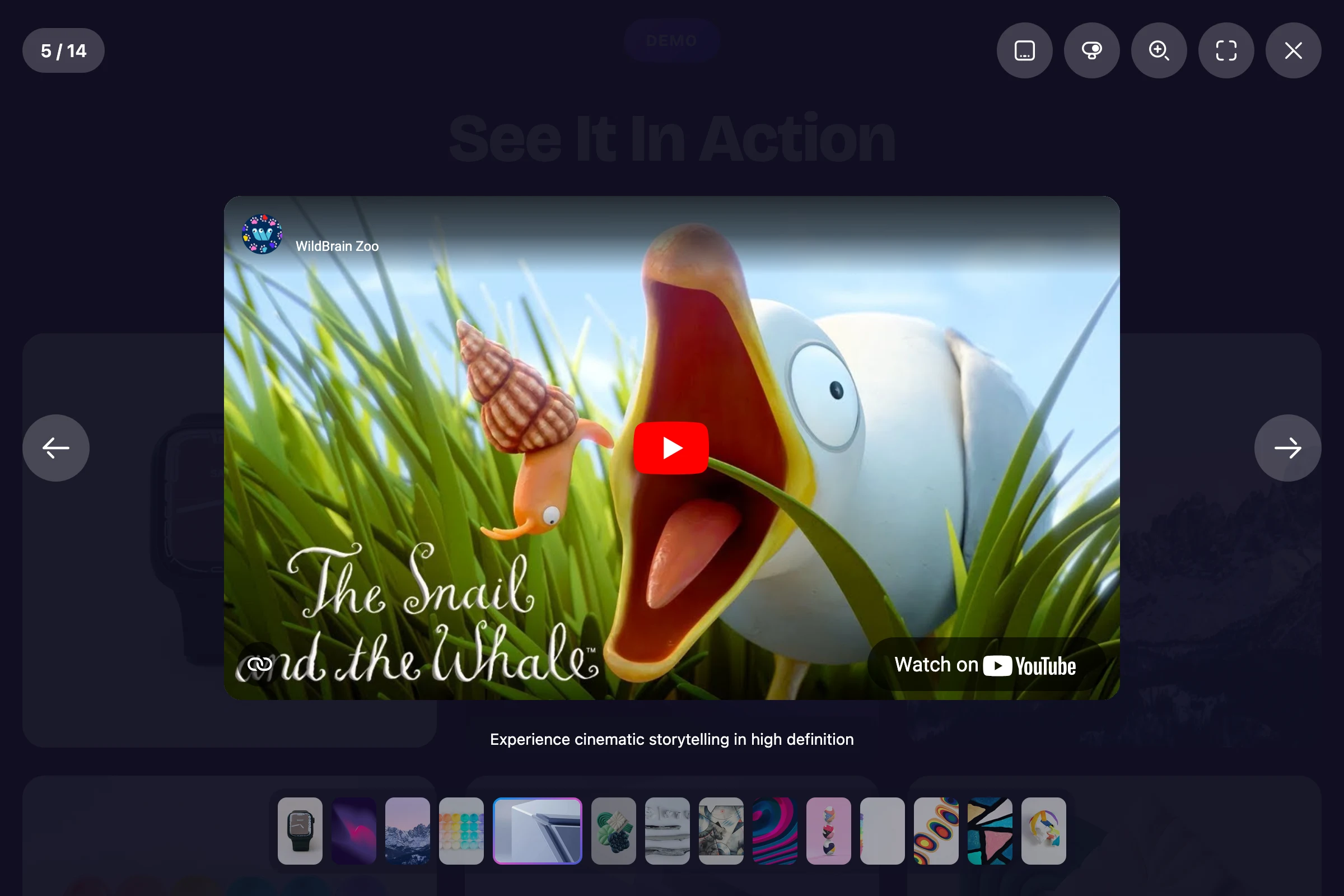
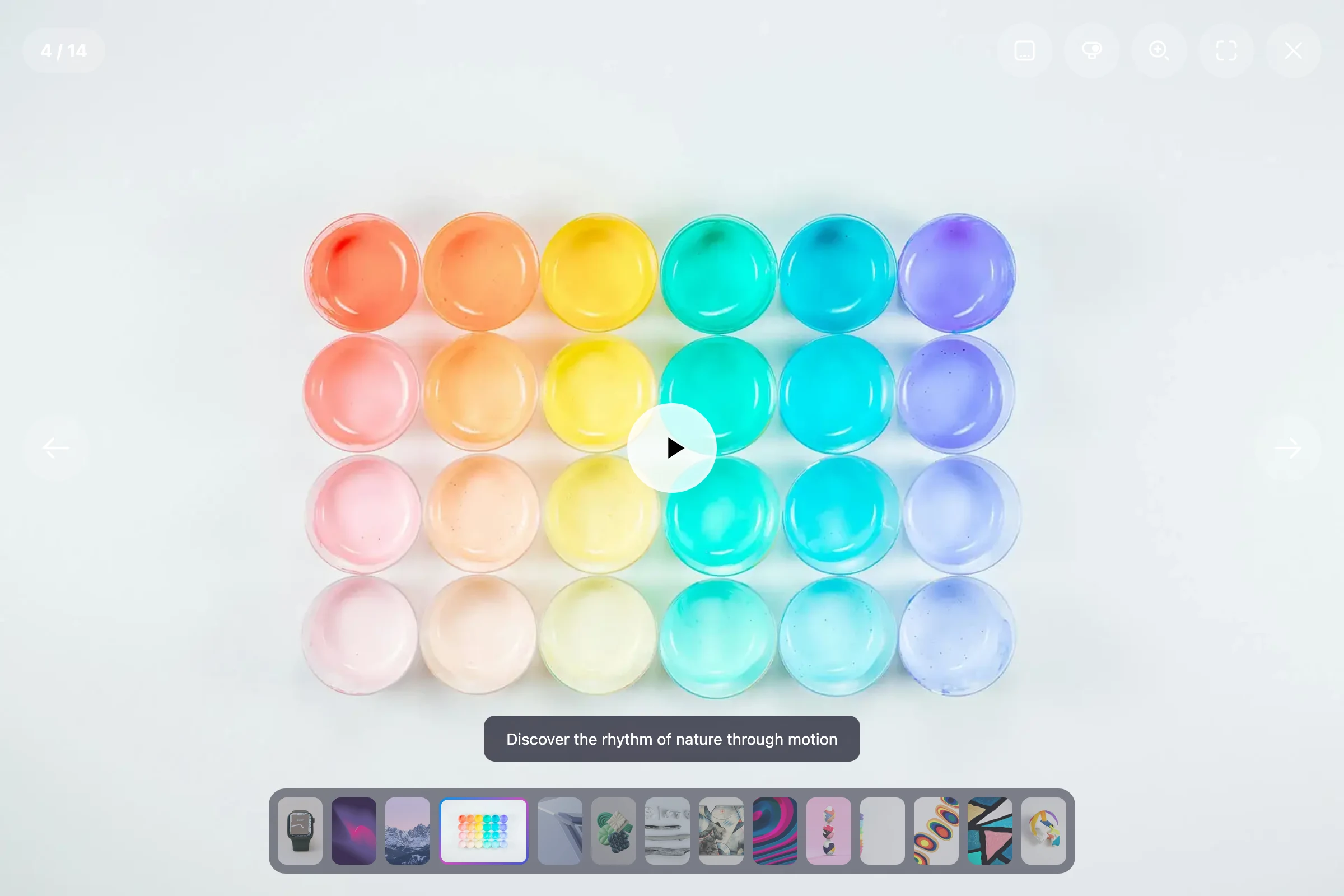
Point Zoomora at an <img> tag and it opens it in a stunning full-screen overlay. Point it at a local MP4 and it plays with a custom play button overlay. Point it at a YouTube URL (standard or short) and it auto-converts to an embed. One plugin, every media type.
Zoom That Actually Makes Sense
Zoomora detects at runtime whether an image is actually larger than the viewport before offering zoom. If it is, clicking cycles through progressive zoom levels — 1.5×, 2×, 3×, and finally 100% actual size — then returns to fit-to-screen. Drag to pan once zoomed. From v1.3.0, scroll-wheel and trackpad pinch zoom continuously between fit-to-screen and the configured maximum — no button click required. No zoom button appearing on images that don’t need it. No guesswork.
Distraction-Free Viewing
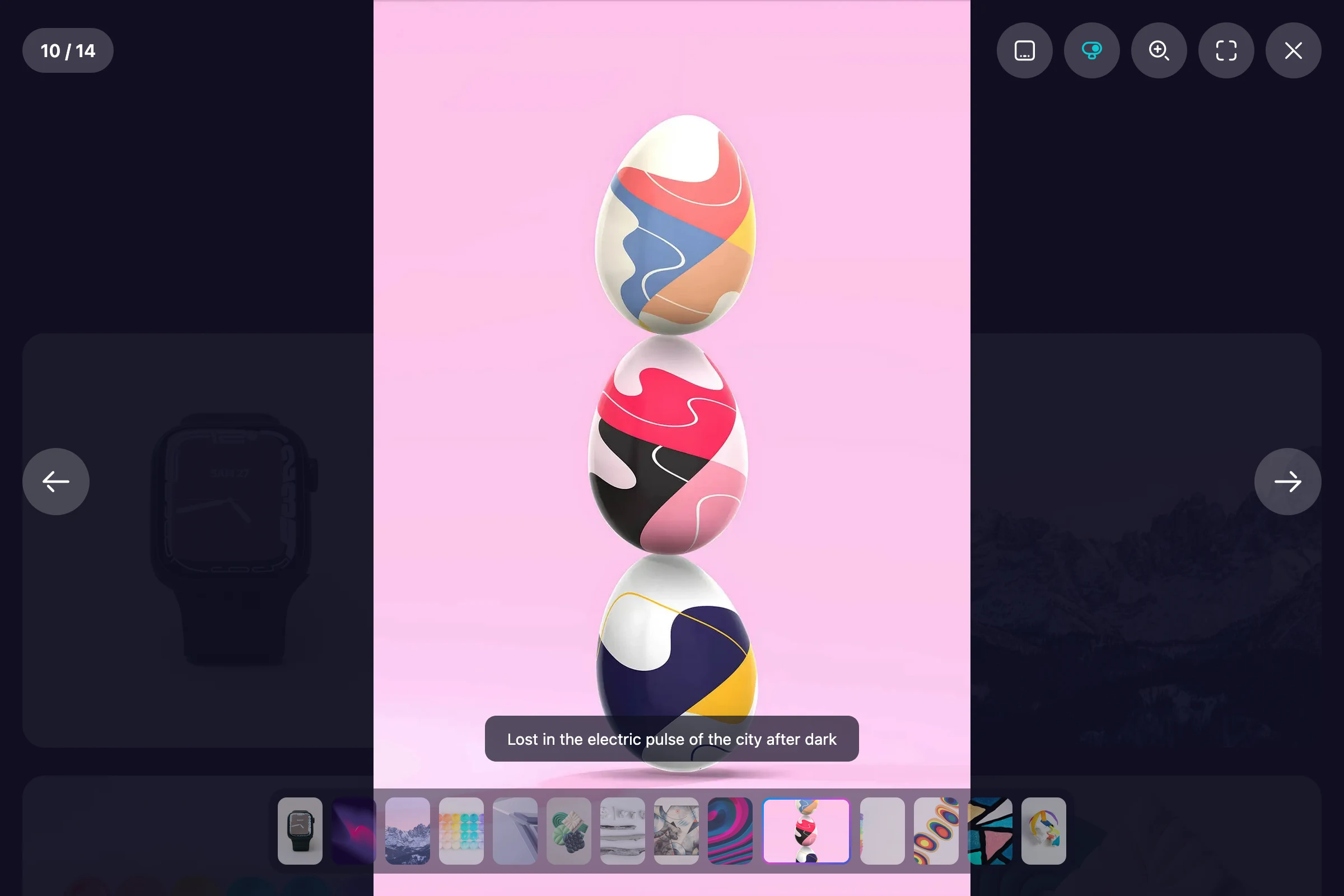
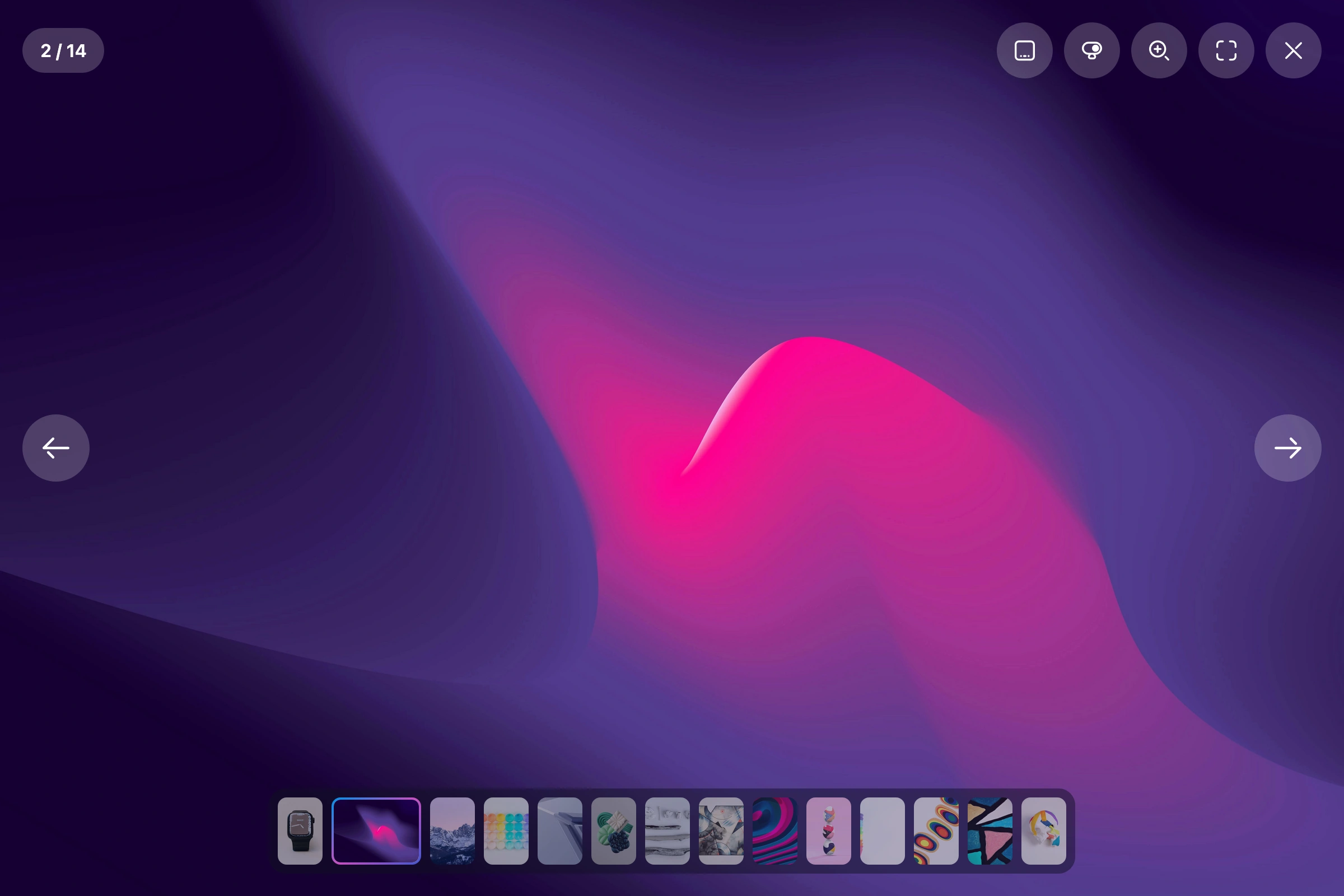
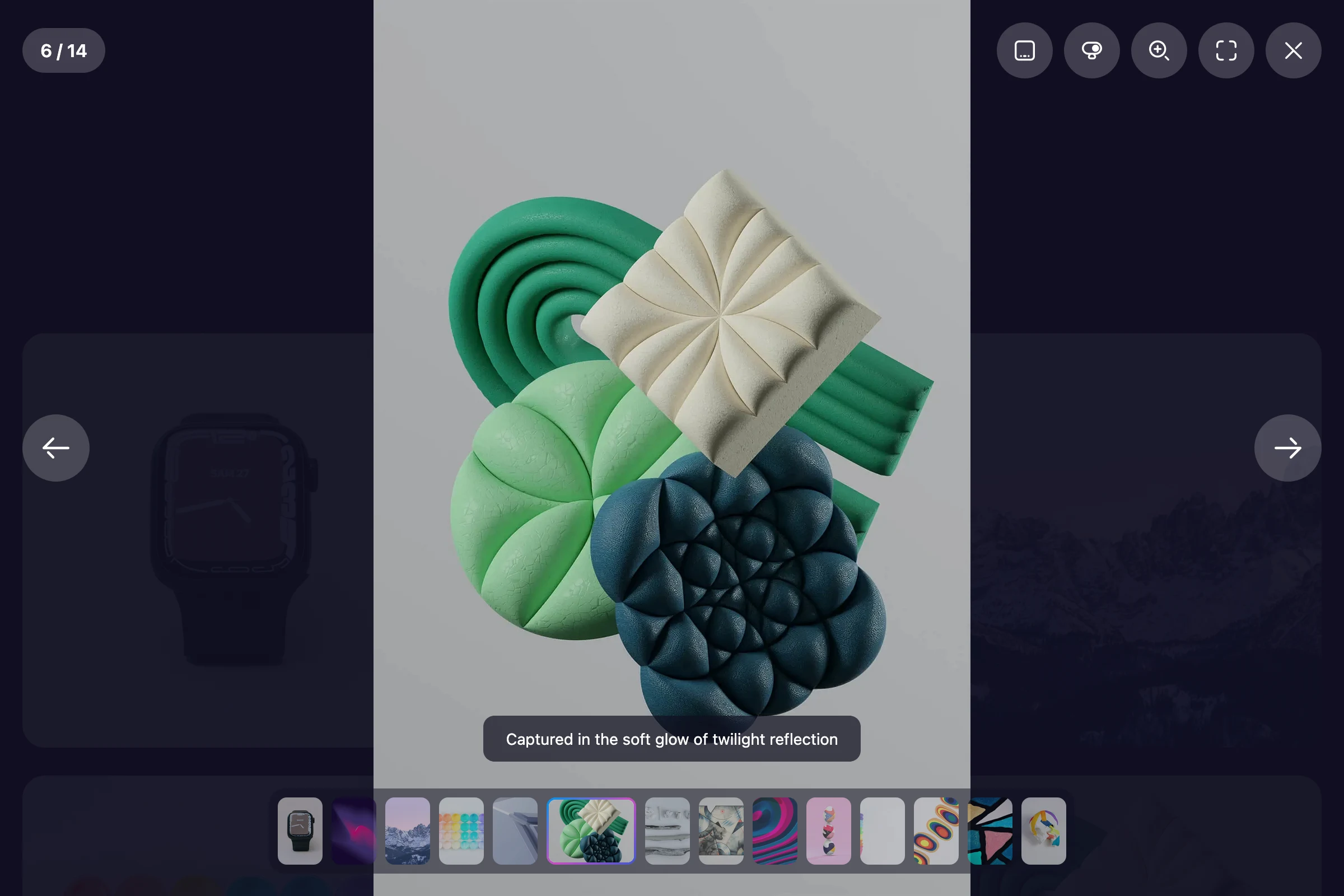
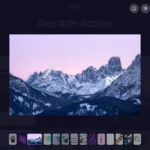
Auto-hide controls fade navigation, thumbnails, and captions out of view after a configurable idle period. Move the mouse or touch the screen and they glide back in. Perfect for immersive gallery experiences and photography portfolios.
Developer-Friendly from the Start
Every meaningful event fires a callback. Options are set once at instantiation or updated live with updateOptions(). The full API — including openImage() for loading images that aren’t in the DOM — lets you open, close, navigate, zoom, and destroy the instance programmatically. Four CSS custom properties (--zoomora-overlay-bg, --zoomora-control-bg, --zoomora-control-hover, --zoomora-primary) let you restyle the lightbox at runtime without touching Sass. Works with vanilla JS, WordPress themes, React, Vue, or any other setup.
<!-- CDN — as simple as it gets -->
<link rel="stylesheet" href="https://cdn.jsdelivr.net/npm/zoomora/dist/zoomora.css">
<script src="https://cdn.jsdelivr.net/npm/zoomora/dist/zoomora.umd.min.js"></script>

<img src="photo.jpg"
     data-src="photo-full.jpg"
     data-zoomora="my-gallery"
     data-caption="Golden hour"
     alt="Landscape photo">

<script>new Zoomora();</script>
Read the full Zoomora documentation to explore every option, callback, and API method.
MIT Licensed — Free Forever
Use it in personal projects, client work, and commercial products without restriction. No license keys, no upsells, no premium tier. Just a good plugin, free and open source.
Screenshots





Built With
Features
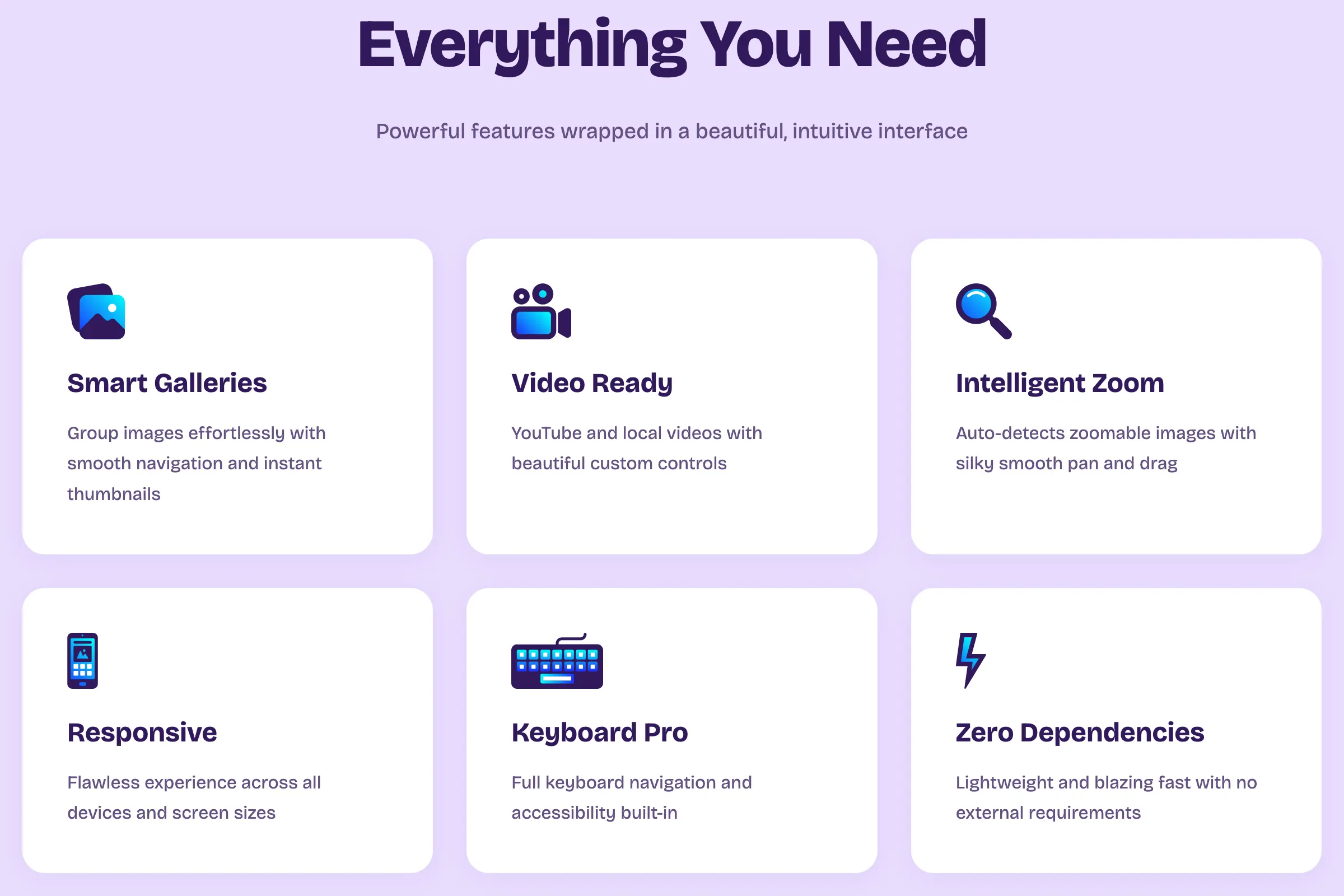
- Zero dependencies — pure vanilla JavaScript, 6.1 KIB (gzipped)
- Image galleries — group any number of images with data-zoomora
- Smart zoom — auto-detects zoomable images; progressive levels (1.5× → 2× → 3× → 100%), configurable via maxZoomScale
- Scroll-wheel zoom — mouse wheel and trackpad pinch zoom with configurable zoomStep increment
- Pan & drag — drag zoomed images with mouse or touch
- Video support — YouTube, short URLs (youtu.be), and local MP4 / WebM / OGG
- Fullscreen mode — native Fullscreen API with CSS fallback
- Thumbnail strip — scrollable thumbnail navigation between gallery items
- Auto-hide controls — idle-triggered fade with configurable delay
- Smooth transitions — fade and slide transition modes
- Keyboard navigation — ←, →, Esc, Z, F, T shortcuts
- Touch & swipe support — fully optimised for mobile and tablet
- Captions — per-image captions via data-caption attribute
- CSS custom properties — runtime theming via --zoomora-overlay-bg, --zoomora-control-bg, --zoomora-control-hover, --zoomora-primary
- Callbacks — onOpen, onClose, onNext, onPrev
- Programmatic API — openImage(), open, close, goTo, destroy, updateOptions, and more
- Anchor tag support — works with links via Zoomora.bind()
- Background click to close — configurable via closeOnBackgroundClick
- Responsive — works on all screen sizes and modern browsers
- ES module + UMD builds — works with bundlers, CDN, and direct script tags
- MIT licensed — free for personal and commercial use
Changelog
Version 1.3.0 - July 1st, 2026
- New:
openImage()API — open the lightbox programmatically with images not present in the DOM; accepts a URL string, array of URLs, or config objects withsrc,thumb,type,caption, andaltfields (#7) - New: Scroll-wheel and trackpad pinch zoom — continuous zoom driven by the
zoomStepoption - New: CSS custom properties —
--zoomora-overlay-bg,--zoomora-control-bg,--zoomora-control-hover,--zoomora-primaryexposed in:rootfor runtime theming without recompiling Sass - Fix:
maxZoomScaleoption now correctly controls the zoom ceiling (was hardcoded to 3× regardless of the configured value) - Fix:
zoomStepoption now correctly drives the scroll-wheel zoom increment (was documented but never wired up) - Fix: LICENSE year corrected from 2025 to 2026
- Update: Vite upgraded from
^7to^8, Sass from^1.89to^1.101 - Update: Sourcemaps removed from minified dist outputs — CDN and WordPress users no longer download unused
.mapfiles - Update:
rollupOptionsrenamed torolldownOptionsinvite.config.jsfor Vite 8 compatibility
Version 1.2.1 - February 26th, 2026
- Fix:
showZoom: falsenow correctly hides the zoom button - Fix:
showFullscreen: falsenow correctly hides both fullscreen and collapse buttons - Fix:
showCounter: falsenow correctly hides the counter - Fix:
showThumbnails: falsenow correctly hides the thumbnail strip, toggle button, and repositions the caption - Fix: Font glyph bounding box warning in Firefox resolved
Version 1.2.0 - February 4th, 2026
- New: Background click to close the lightbox
- New:
closeOnBackgroundClickconfiguration option (default: true) - New: Smart click detection between media, controls, and background areas
- Update: Improved
handleContentClick()method with full background detection - Fix: No accidental close when releasing mouse after a pan/drag operation
- Fix: Video and iframe clicks no longer interfere with zoom or close behaviour
Version 1.1.0 - November 30th, 2025
- New: Progressive zoom levels (1× → 1.5× → 2× → 3× → 100% actual size)
- New: Smart zoom detection — only offered when image is larger than the viewport
- New:
calculateZoomLevels()method for intelligent zoom level detection - New: Click-vs-drag detection to prevent accidental zoom after panning
- Update: Zoom behaviour changed from toggle to progressive multi-level cycling
- Update: Improved transform state management for more reliable dragging
- Update: Enhanced drag smoothness on desktop and mobile
- Update: Better boundary calculations for portrait and vertical images
- Fix: Images no longer jump or reset position during drag (#2)
- Fix:
showAutoHideToggle: falsenow correctly hides the button (#3) - Fix: CSS transition conflicts during drag operations resolved
- Fix: Zoom button now responds correctly on already-zoomed landscape images
Version 1.0.0 - October 3rd, 2025
- Initial release
- Add: Image lightbox with zoom functionality
- Add: Gallery grouping with thumbnail strip navigation
- Add: Fullscreen mode with native API and CSS fallback
- Add: Keyboard navigation (←, →, Esc, Z, F, T)
- Add: Touch and swipe support
- Add: Video support — YouTube embeds and local MP4 / WebM / OGG
- Add: Auto-hide controls with configurable delay
- Add: Fade and slide transition modes
- Add: Captions via data-caption attribute
- Add: Callbacks — onOpen, onClose, onNext, onPrev
- Add: ES module and UMD build targets