
Zoomora – Modern Lightbox Plugin
A zero-dependency JavaScript lightbox with smart zoom, gallery support, video embeds, and fullscreen mode. Drop it in with a CDN link or install via npm. Free & open source.
Zoomora is a modern, responsive lightbox plugin built for the web as it is today — fast, touch-friendly, and dependency-free. Whether you’re showcasing a photography portfolio, embedding YouTube videos, or building a WordPress theme with a media-heavy layout, Zoomora handles it all with a clean API and beautiful default UI.
Built for Every Project
Add it to any project in under a minute via CDN. Or install from npm and import it as an ES module. Zoomora ships four build targets — UMD, UMD minified, ES module, and ES minified — so it fits wherever you need it, from a plain HTML file to a fully bundled WordPress theme.
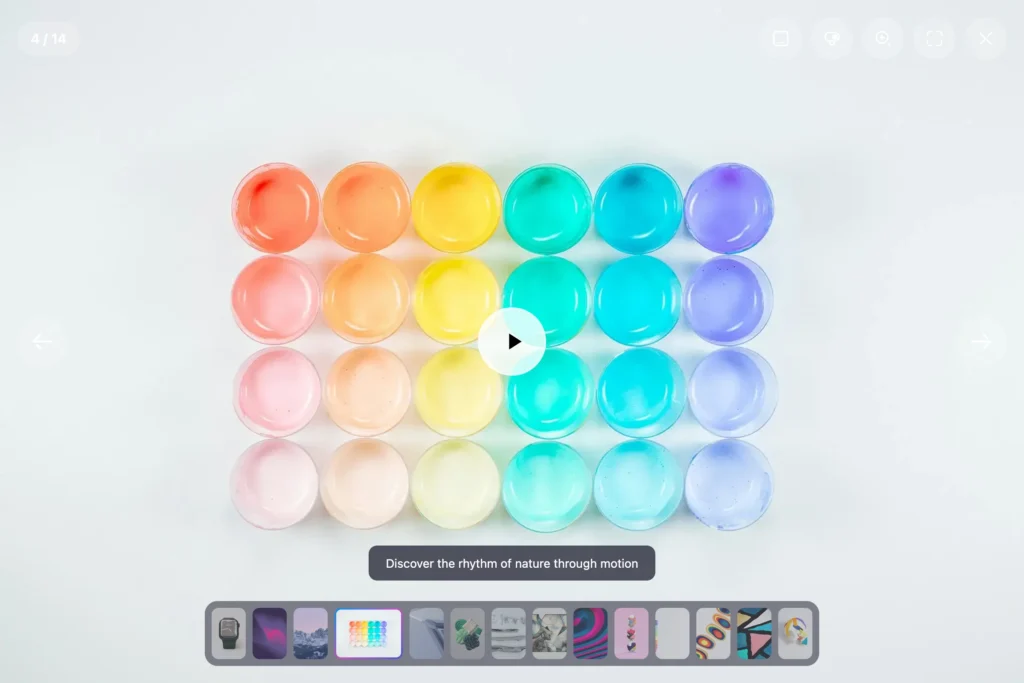
Images, Video, YouTube — All in One
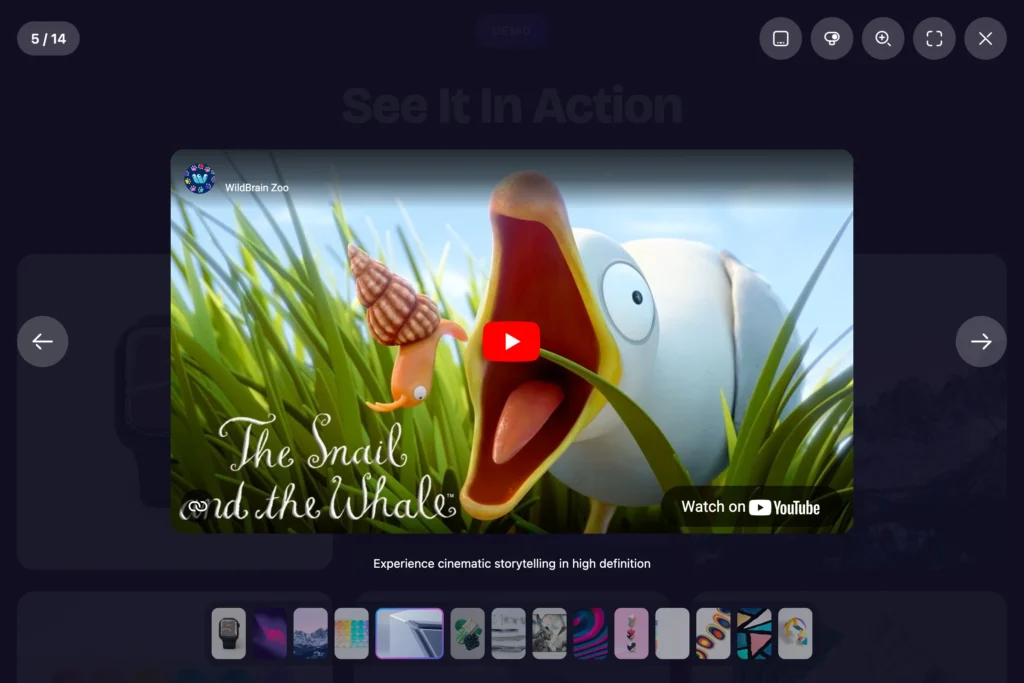
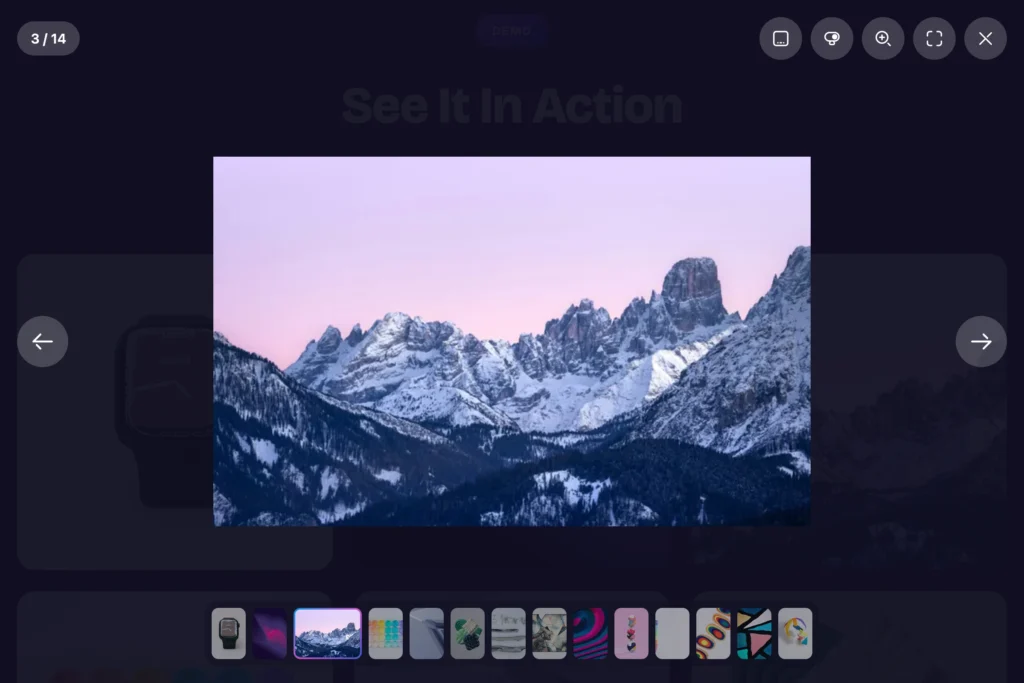
Point Zoomora at an <img> tag and it opens it in a stunning full-screen overlay. Point it at a local MP4 and it plays with a custom play button overlay. Point it at a YouTube URL (standard or short) and it auto-converts to an embed. One plugin, every media type.
Zoom That Actually Makes Sense
Zoomora detects at runtime whether an image is actually larger than the viewport before offering zoom. If it is, clicking cycles through progressive zoom levels — 1.5×, 2×, 3×, and finally 100% actual size — then returns to fit-to-screen. Drag to pan once zoomed. No zoom button appearing on images that don’t need it. No guesswork.
Distraction-Free Viewing
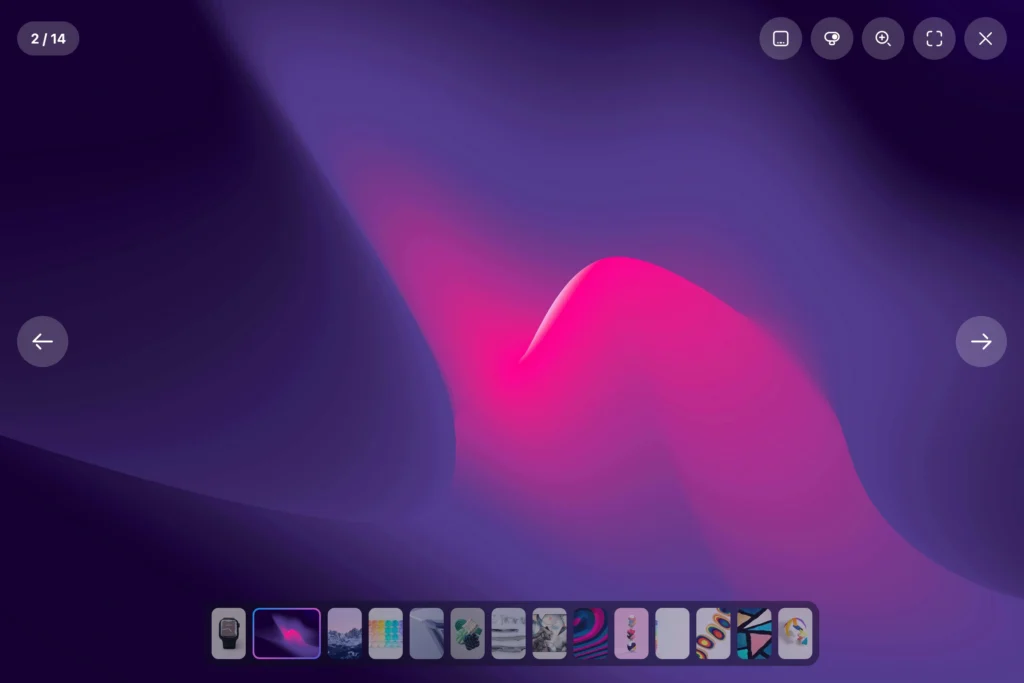
Auto-hide controls fade navigation, thumbnails, and captions out of view after a configurable idle period. Move the mouse or touch the screen and they glide back in. Perfect for immersive gallery experiences and photography portfolios.
Developer-Friendly from the Start
Every meaningful event fires a callback. Options are set once at instantiation or updated live with updateOptions(). The full API lets you open, close, navigate, zoom, and destroy the instance programmatically. Works with vanilla JS, WordPress themes, React, Vue, or any other setup.
<!-- CDN — as simple as it gets -->
<link rel="stylesheet" href="https://cdn.jsdelivr.net/npm/zoomora/dist/zoomora.css">
<script src="https://cdn.jsdelivr.net/npm/zoomora/dist/zoomora.umd.min.js"></script>

<img src="photo.jpg"
     data-src="photo-full.jpg"
     data-zoomora="my-gallery"
     data-caption="Golden hour"
     alt="Landscape photo">

<script>new Zoomora();</script>
MIT Licensed — Free Forever
Use it in personal projects, client work, and commercial products without restriction. No license keys, no upsells, no premium tier. Just a good plugin, free and open source.
Screenshots
Built With
Features
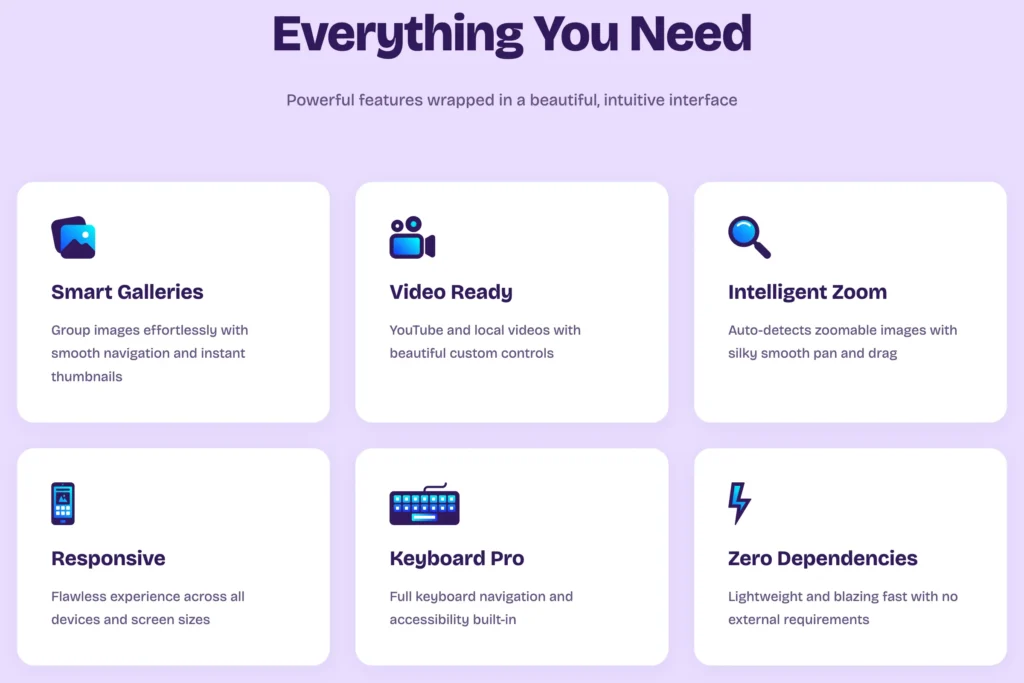
- Zero dependencies — pure vanilla JavaScript, ~15KB gzipped
- Image galleries — group any number of images with data-zoomora
- Smart zoom — auto-detects zoomable images; progressive levels (1.5× → 2× → 3× → 100%)
- Pan & drag — drag zoomed images with mouse or touch
- Video support — YouTube, short URLs (youtu.be), and local MP4 / WebM / OGG
- Fullscreen mode — native Fullscreen API with CSS fallback
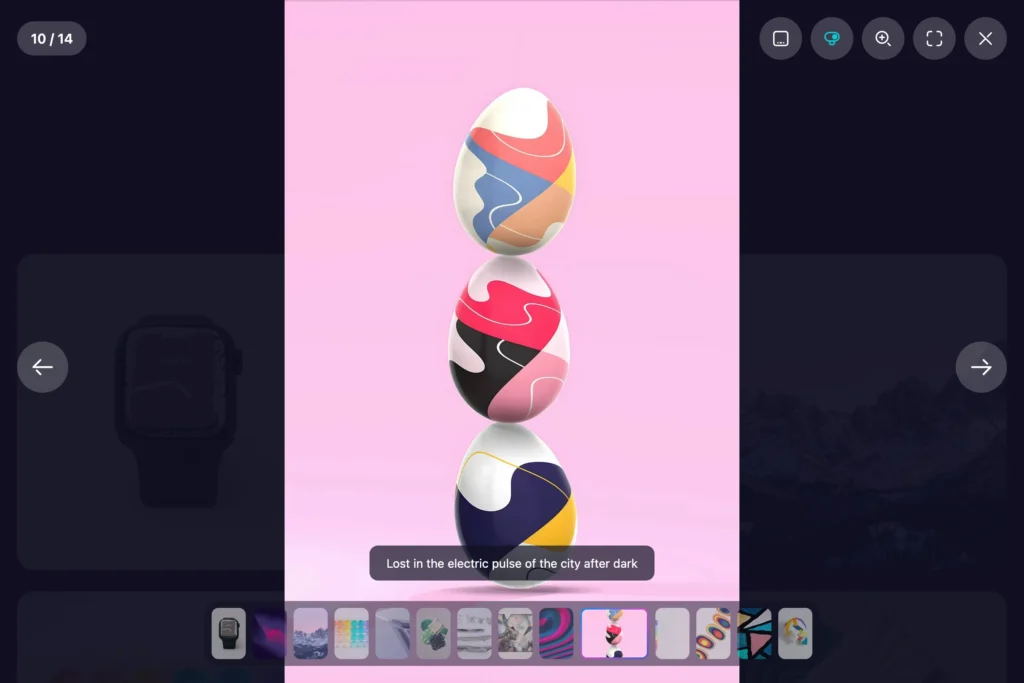
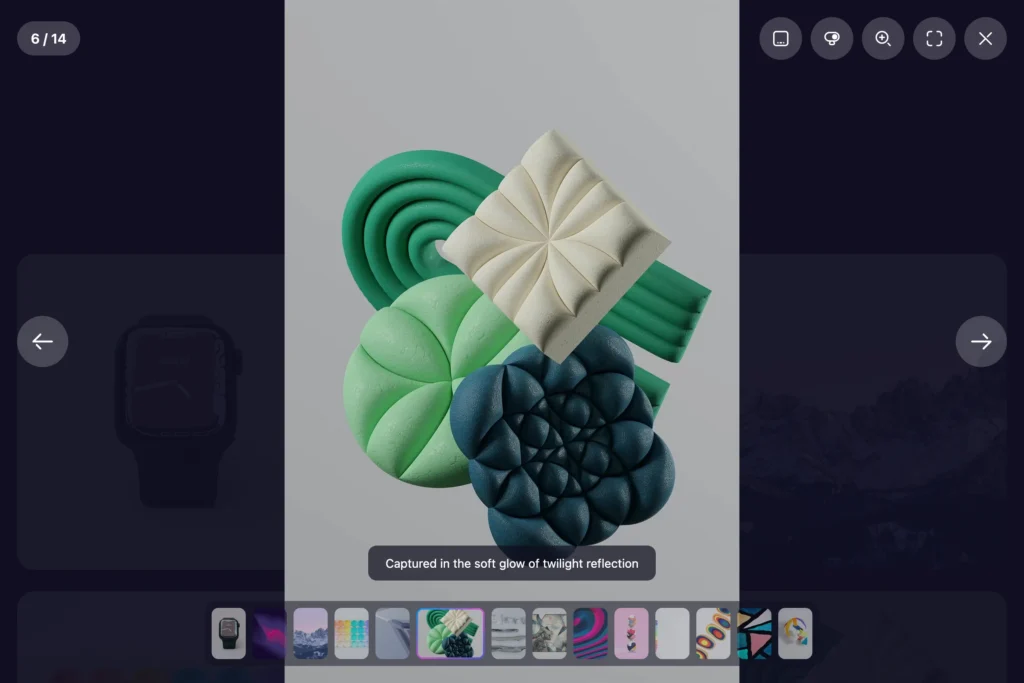
- Thumbnail strip — scrollable thumbnail navigation between gallery items
- Auto-hide controls — idle-triggered fade with configurable delay
- Smooth transitions — fade and slide transition modes
- Keyboard navigation — ←, →, Esc, Z, F, T shortcuts
- Touch & swipe support — fully optimised for mobile and tablet
- Captions — per-image captions via data-caption attribute
- Callbacks — onOpen, onClose, onNext, onPrev
- Programmatic API — open, close, goTo, destroy, updateOptions, and more
- Anchor tag support — works with links via Zoomora.bind()
- Background click to close — configurable via closeOnBackgroundClick
- Responsive — works on all screen sizes and modern browsers
- ES module + UMD builds — works with bundlers, CDN, and direct tags
- MIT licensed — free for personal and commercial use
Changelog
Version 1.2.0 - February 4th, 2026
- New: Background click to close the lightbox
- New:
closeOnBackgroundClickconfiguration option (default: true) - New: Smart click detection between media, controls, and background areas
- Update: Improved
handleContentClick()method with full background detection - Fix: No accidental close when releasing mouse after a pan/drag operation
- Fix: Video and iframe clicks no longer interfere with zoom or close behaviour
Version 1.1.0 - November 30th, 2025
- New: Progressive zoom levels (1× → 1.5× → 2× → 3× → 100% actual size)
- New: Smart zoom detection — only offered when image is larger than the viewport
- New:
calculateZoomLevels()method for intelligent zoom level detection - New: Click-vs-drag detection to prevent accidental zoom after panning
- Update: Zoom behaviour changed from toggle to progressive multi-level cycling
- Update: Improved transform state management for more reliable dragging
- Update: Enhanced drag smoothness on desktop and mobile
- Update: Better boundary calculations for portrait and vertical images
- Fix: Images no longer jump or reset position during drag (#2)
- Fix:
showAutoHideToggle: falsenow correctly hides the button (#3) - Fix: CSS transition conflicts during drag operations resolved
- Fix: Zoom button now responds correctly on already-zoomed landscape images
Version 1.0.0 - October 3rd, 2025
- Initial release
- Add: Image lightbox with zoom functionality
- Add: Gallery grouping with thumbnail strip navigation
- Add: Fullscreen mode with native API and CSS fallback
- Add: Keyboard navigation (←, →, Esc, Z, F, T)
- Add: Touch and swipe support
- Add: Video support — YouTube embeds and local MP4 / WebM / OGG
- Add: Auto-hide controls with configurable delay
- Add: Fade and slide transition modes
- Add: Captions via data-caption attribute
- Add: Callbacks — onOpen, onClose, onNext, onPrev
- Add: ES module and UMD build targets