
OneMeta — Custom Meta Fields Made Simple
A free, open-source WordPress custom fields plugin with a visual drag-and-drop builder, live PHP preview, repeater fields, conditional logic, and REST API support. Lightweight, zero dependencies, 239KB. A modern alternative to ACF.

OneMeta is a free, open-source WordPress plugin for building and managing custom meta fields — built for developers who want a modern, lightweight alternative to ACF without the bloat or the price tag.
At just 239KB total, OneMeta delivers a visual drag-and-drop builder, 14 field types, repeater fields, conditional logic, live PHP code preview, and a full REST API. No jQuery. No external dependencies. Just clean, fast, modern code.
Built for Developers, Designed for Everyone
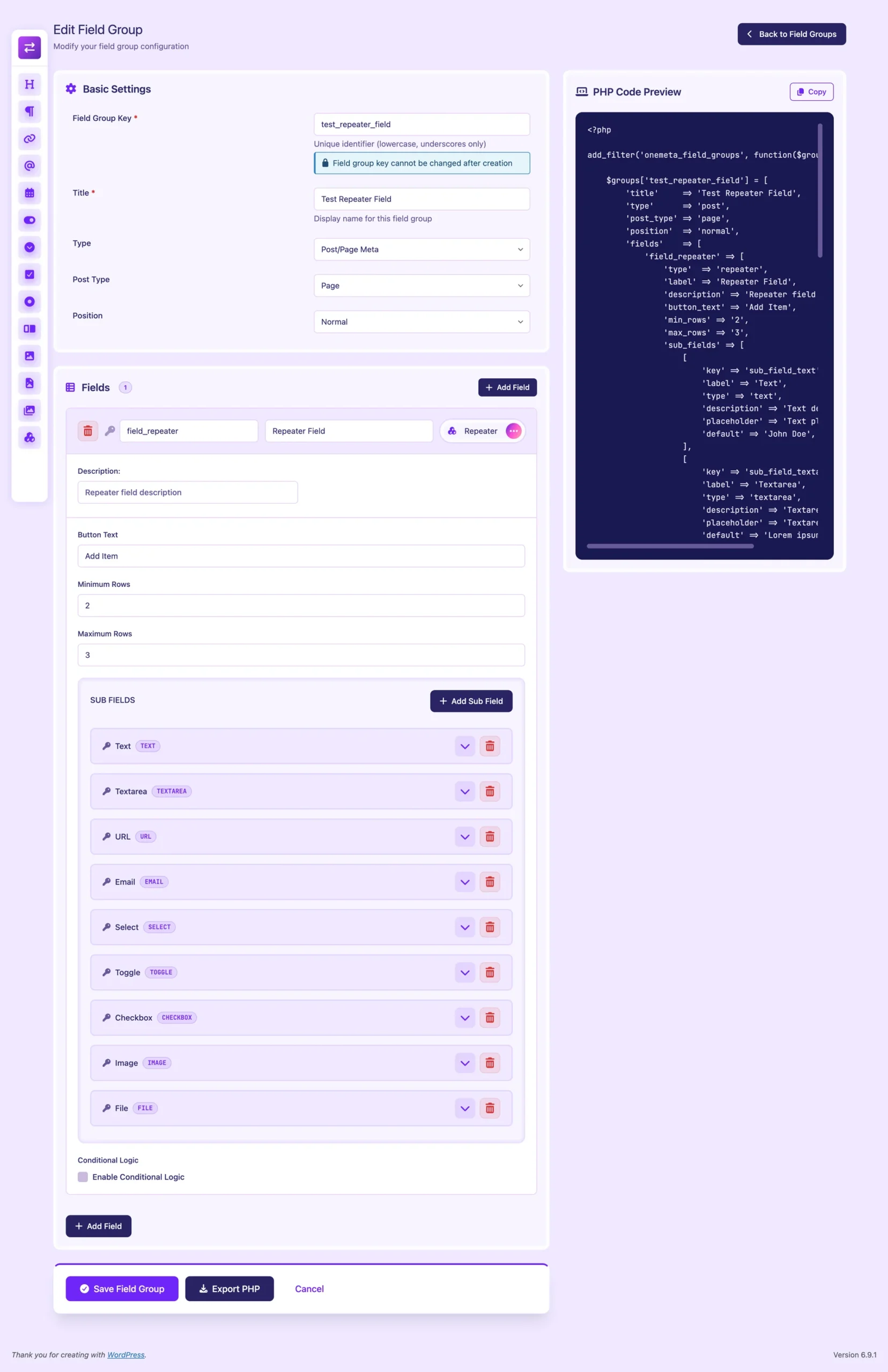
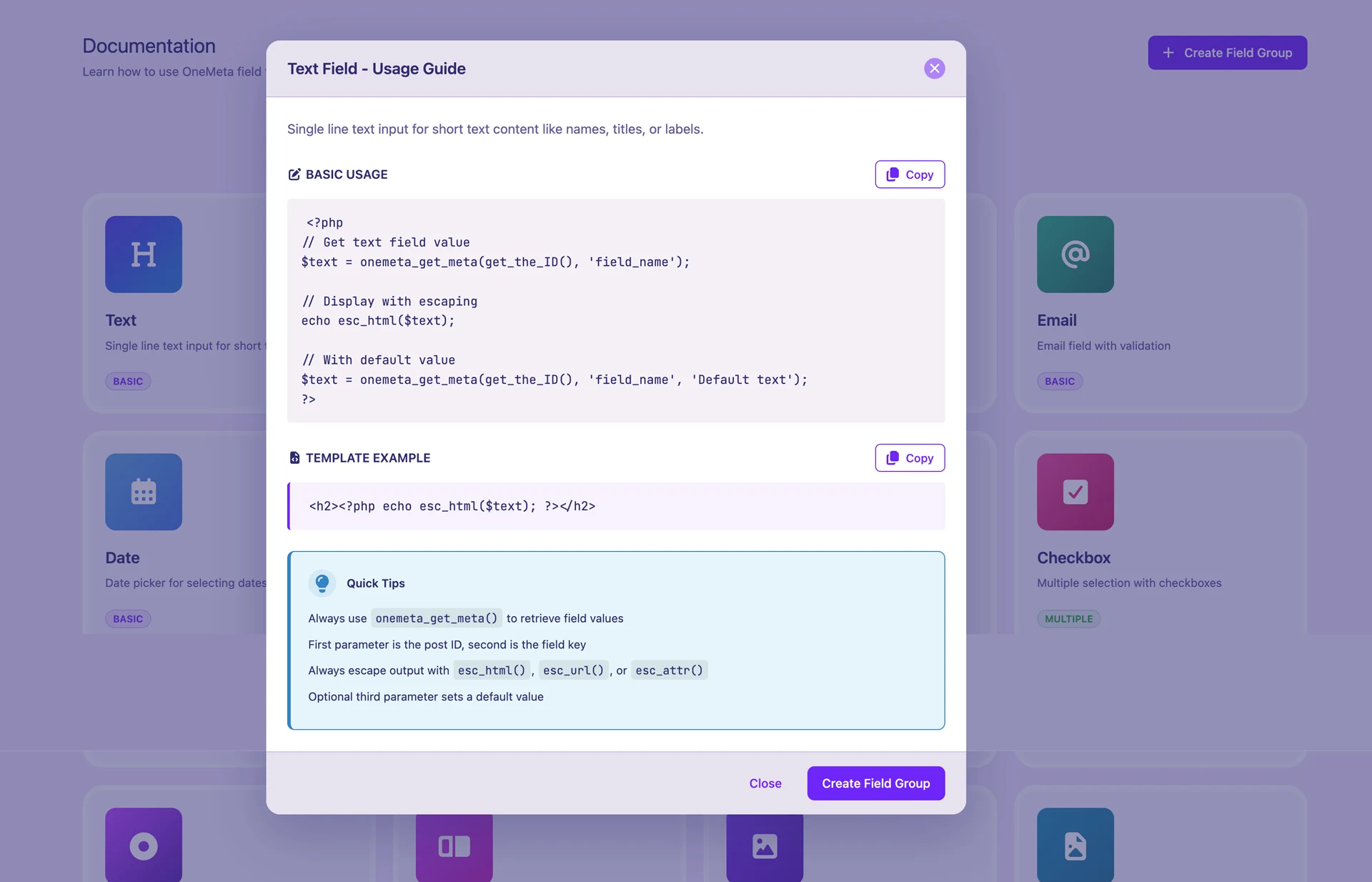
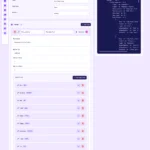
Create field groups in minutes with the visual builder, then use a single helper function to retrieve values anywhere in your theme. Or skip the UI entirely — export any field group as clean PHP code and register it directly from your functions.php. OneMeta works whichever way your workflow demands.
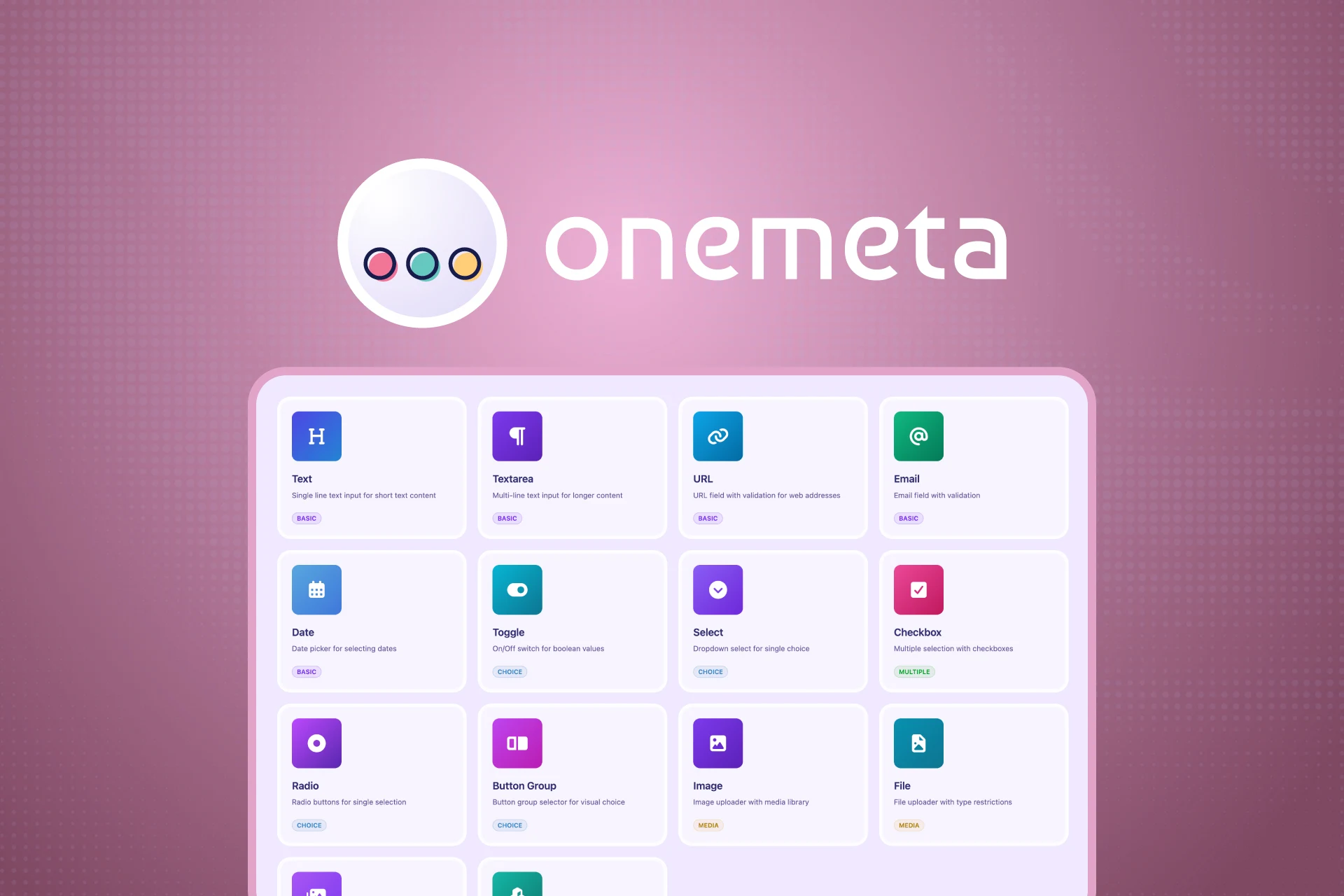
14 Field Types, Every Use Case Covered
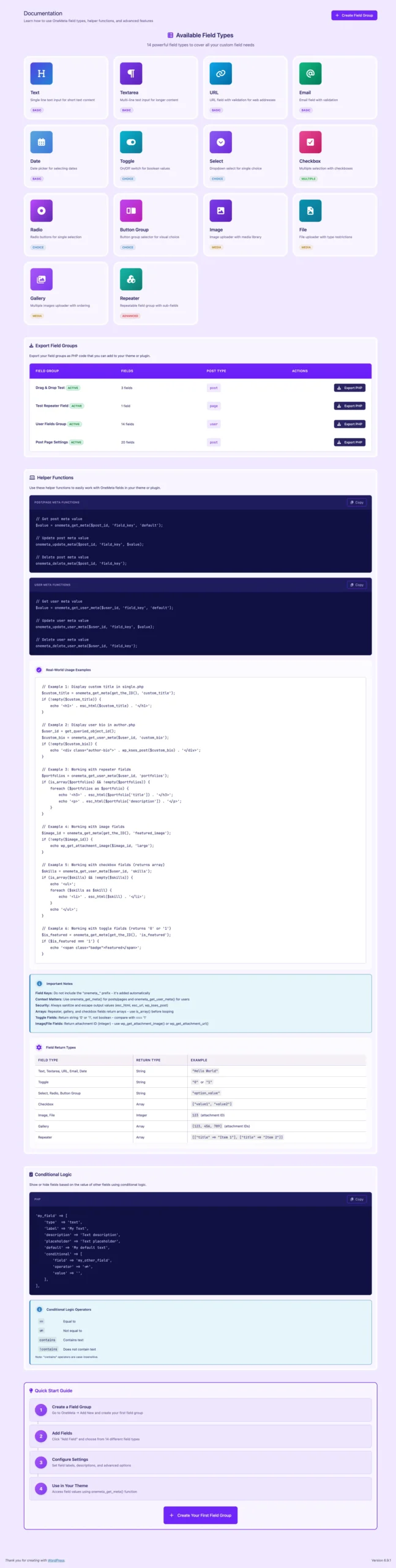
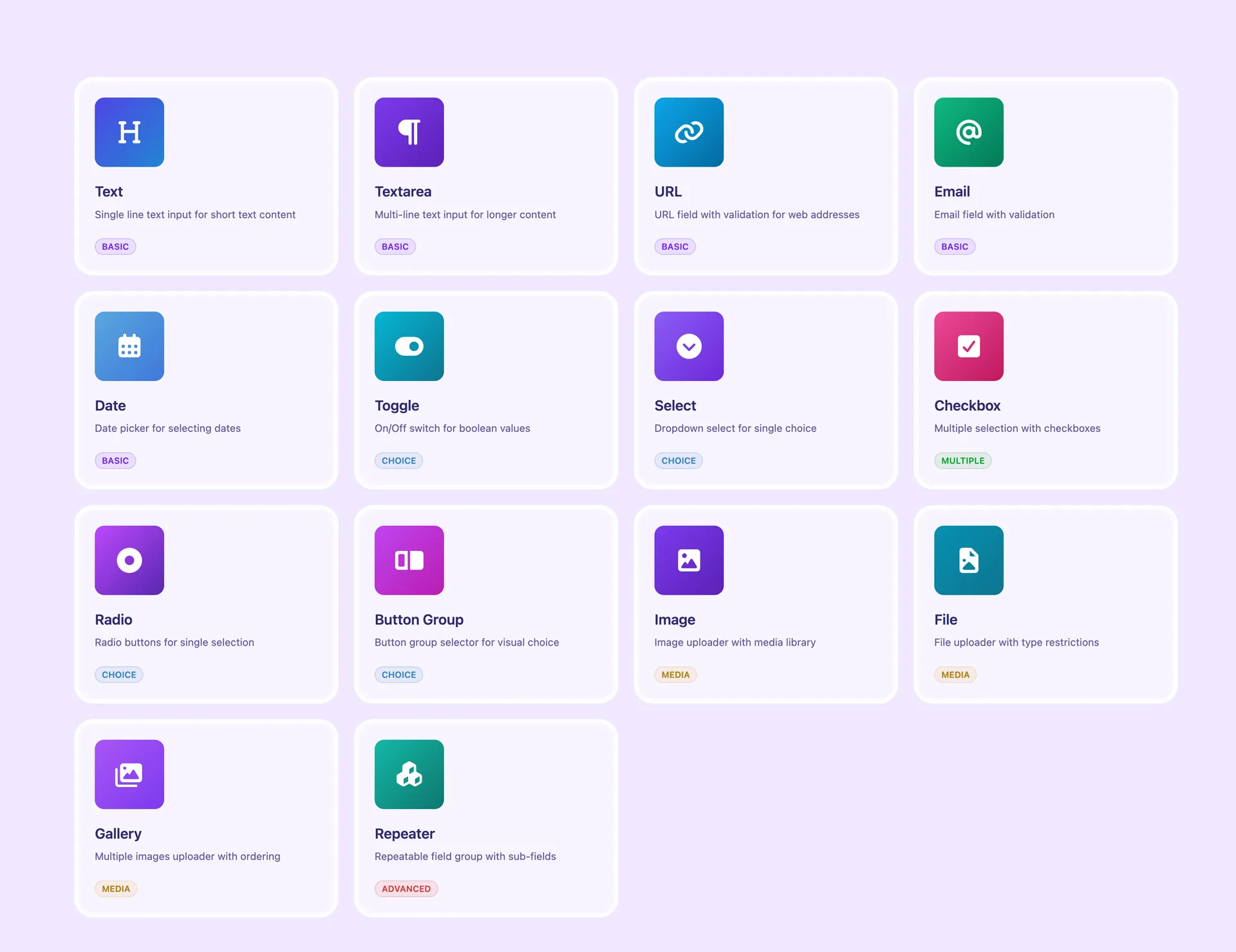
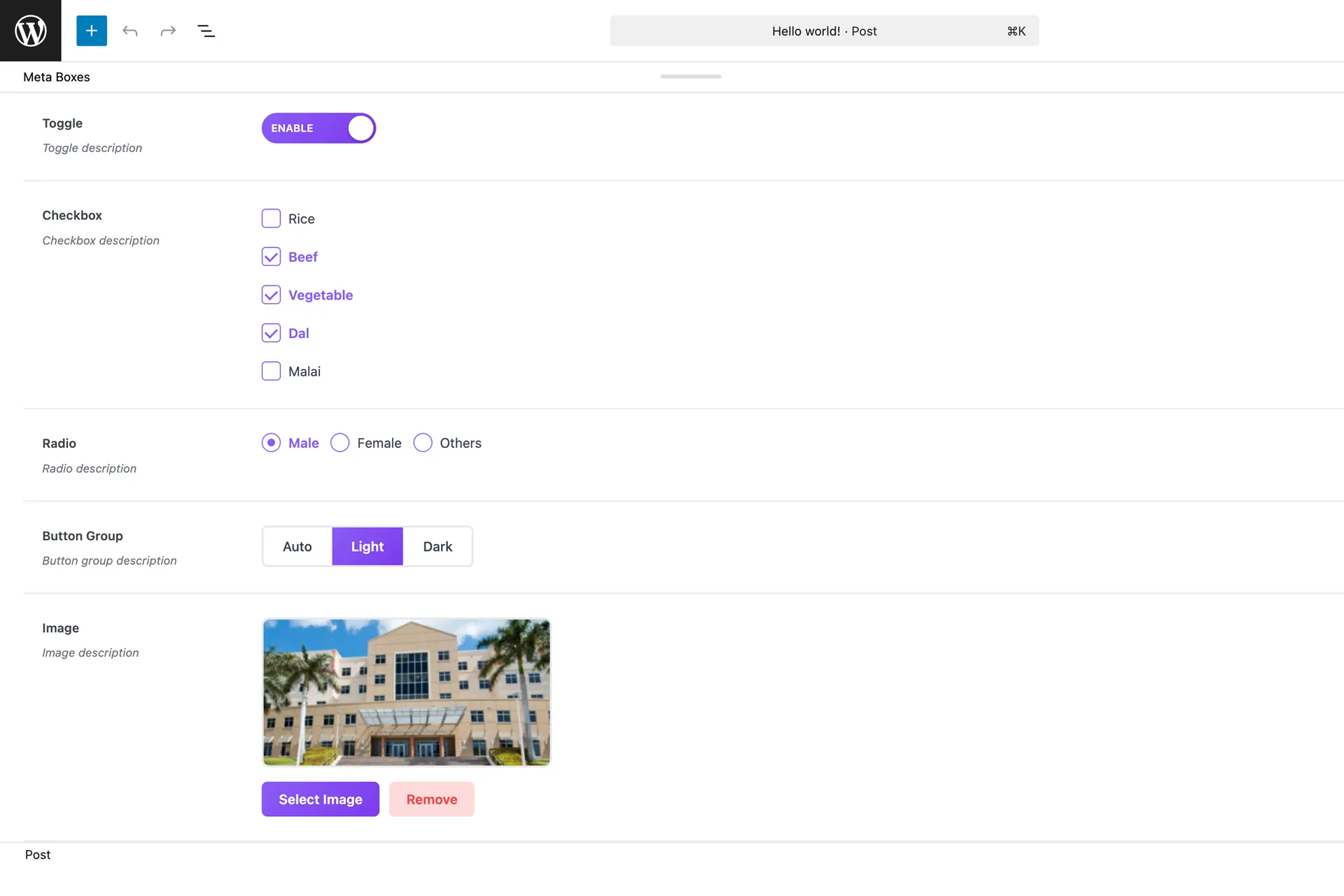
OneMeta ships with 14 carefully chosen field types organised into four categories — Basic, Choice, Media, and Advanced. Text, Textarea, URL, Email, and Date cover everyday content. Toggle, Select, Radio, Button Group, and Checkbox handle all choice-based inputs. Image, File, and Gallery manage WordPress media library assets. And Repeater lets you build complex, repeatable data structures with any combination of sub-fields.
Every field type returns a predictable, documented value — strings, integers, or arrays — so there are no surprises when you pull data into your templates.
Live PHP Code Preview
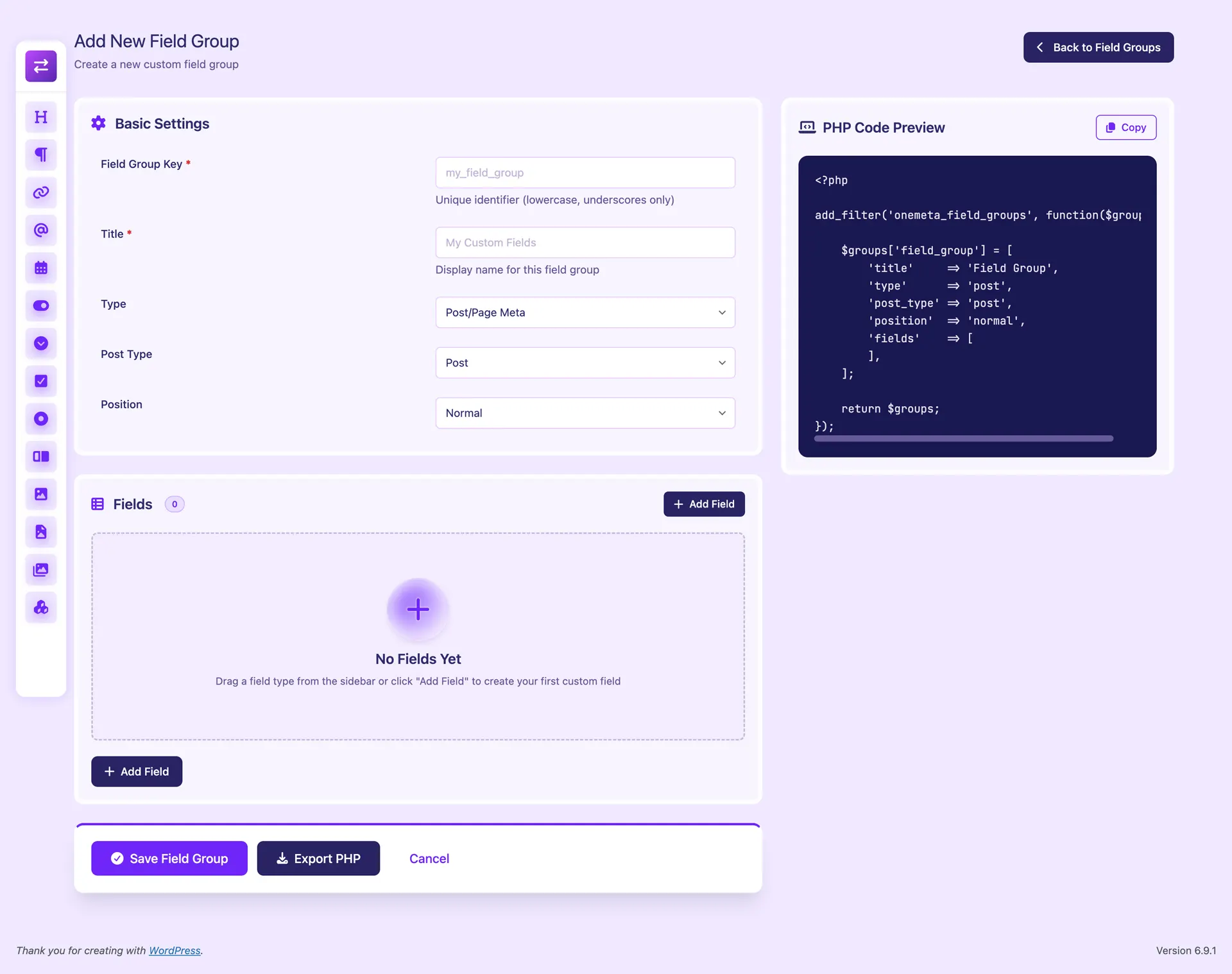
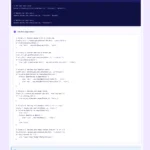
The builder includes a live PHP code preview panel that updates in real time as you add and configure fields. You see exactly what the exported code will look like before you save anything. When you’re ready, copy it to your clipboard or download it as a .php file with one click.
Conditional Logic That Works
Show or hide any field based on the value of another field using four operators — ==, !=, contains, and !contains. Conditional logic works visually in the builder and renders correctly on both post edit screens and user profile pages.
Repeater Fields with Full Sub-Field Support
The Repeater field type creates infinitely repeatable rows, each containing any combination of sub-fields. Team members, portfolio items, pricing tiers, FAQs — anything with a repeating structure is handled cleanly. Sub-fields support the full range of field types including media uploads, toggles, and choice fields.
Post Meta and User Meta
Assign field groups to any public post type — posts, pages, or custom post types — or switch to User Meta mode to add custom fields directly to WordPress user profiles. Both contexts are fully supported with dedicated helper functions and REST API endpoints.
Full REST API
OneMeta registers a complete REST API under the onemeta/v1 namespace. Every field group operation — list, read, create, update, delete, and toggle status — is available as a REST endpoint, all protected by the manage_options capability. Field group data is also exposed on standard WordPress post and user REST endpoints.
// Get a post meta value
$value = onemeta_get_meta( get_the_ID(), 'field_key' );

// Get a user meta value
$value = onemeta_get_user_meta( $user_id, 'field_key' );

// With a default fallback
$value = onemeta_get_meta( get_the_ID(), 'field_key', 'Default Value' );
GPL Licensed — Free Forever
OneMeta is released under the GPL-2.0-or-later license — the same license as WordPress itself. Use it in personal projects, client work, and commercial themes without restriction. No license keys, no feature tiers, no upsells. Just a well-built plugin, free and open source.
Screenshots







Built With
Features
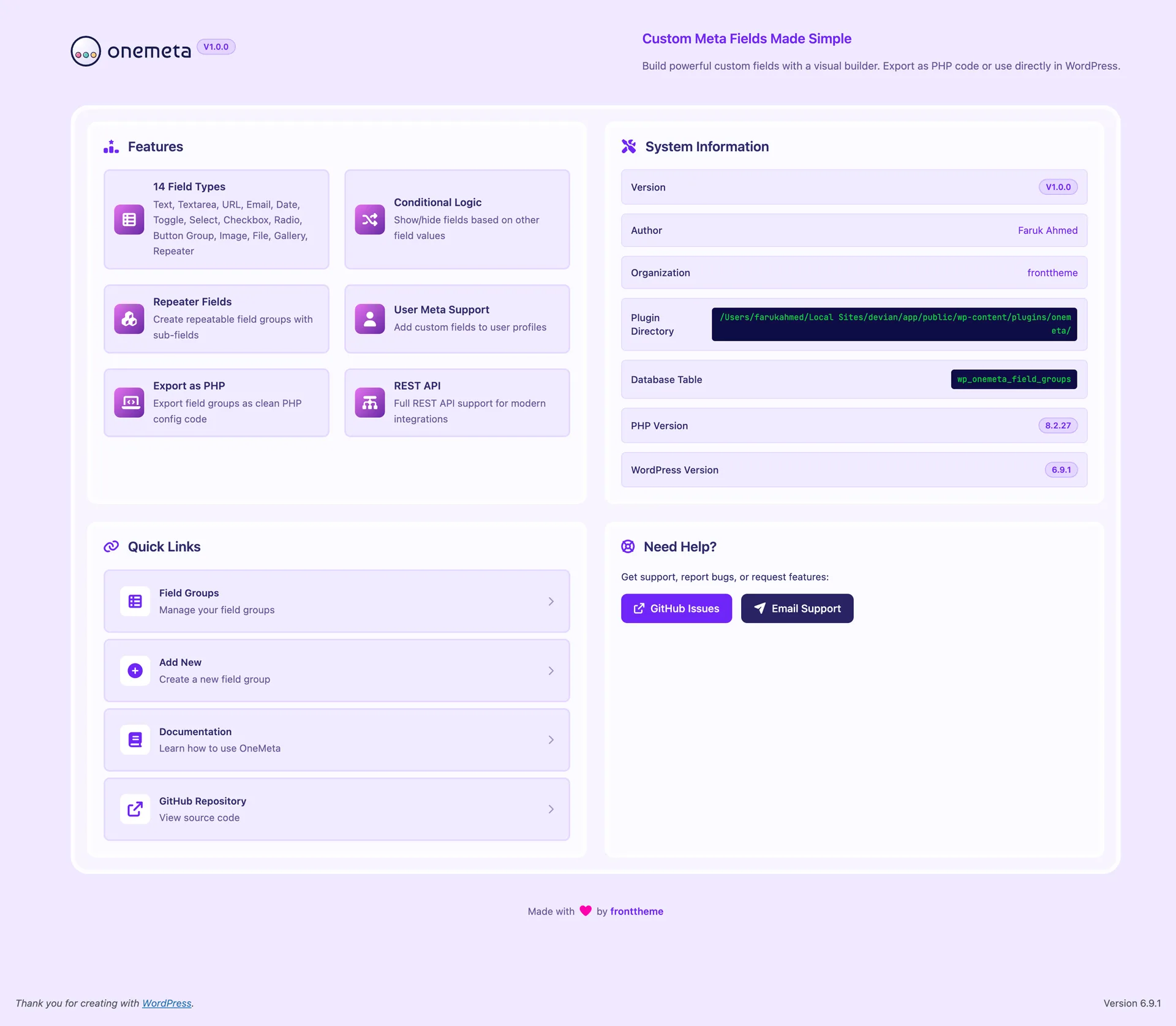
- 14 field types — Text, Textarea, URL, Email, Date, Toggle, Select, Checkbox, Radio, Button Group, Image, File, Gallery, Repeater
- Visual drag-and-drop field builder — build field groups without writing code
- Live PHP code preview — see generated code update in real time as you build
- Export as PHP — export field groups as clean PHP code for use without the plugin
- Repeater fields — repeatable row groups with full sub-field support
- Conditional logic — show/hide fields based on other field values (==, !=, contains, !contains)
- Post meta support — assign field groups to any public WordPress post type
- User meta support — add custom fields to WordPress user profiles
- REST API — full CRUD endpoints under onemeta/v1 namespace
- Field group status toggle — activate or deactivate groups without deleting them
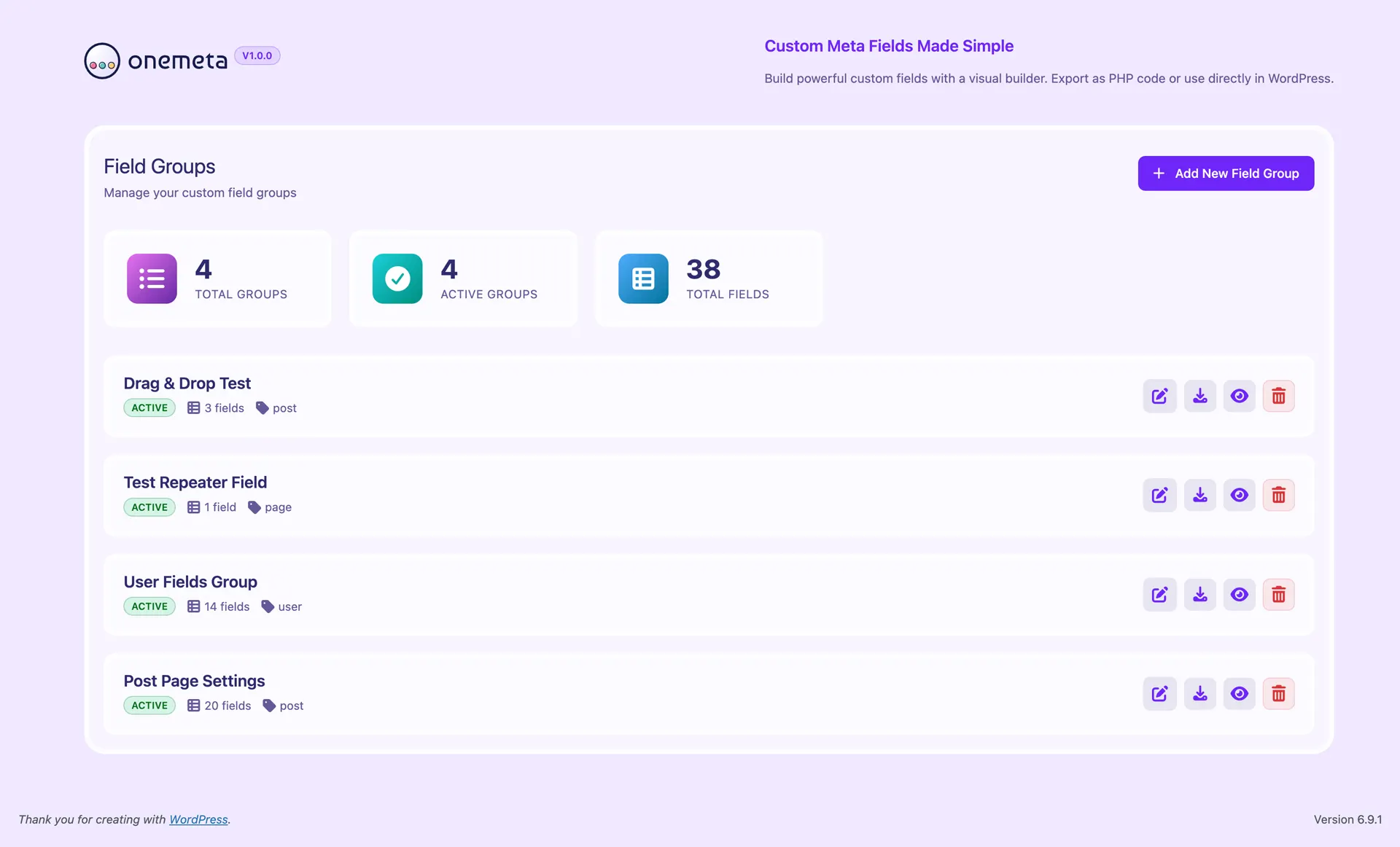
- Dashboard stats — total groups, active groups, total fields at a glance
- Helper functions — onemeta_get_meta(), onemeta_update_meta(), onemeta_delete_meta()
- User helper functions — onemeta_get_user_meta(), onemeta_update_user_meta(), onemeta_delete_user_meta()
- Zero dependencies — no jQuery, no external libraries
- 239KB total size — lightweight alternative to ACF
- PSR-4 autoloaded PHP — clean, modern PHP 8.2 architecture
- Custom database table — wp_onemeta_field_groups with full CRUD
- i18n ready — full internationalisation support with .pot file
- GPL-2.0-or-later — free for personal and commercial use
Changelog
Version 1.0.0 - March 4th, 2026
- Initial release
- Add: 14 field types — Text, Textarea, URL, Email, Date, Toggle, Select, Checkbox, Radio, Button Group, Image, File, Gallery, Repeater
- Add: Visual drag-and-drop field builder with live PHP code preview
- Add: Export field groups as clean PHP code via
onemeta_field_groupsfilter hook - Add: Repeater fields with support for all field types as sub-fields
- Add: Conditional logic with
==,!=,contains, and!containsoperators - Add: Full REST API (
onemeta/v1) with CRUD endpoints for field groups - Add: Post/Page meta support for all public WordPress post types
- Add: User meta support for WordPress user profiles
- Add: Helper functions —
onemeta_get_meta(),onemeta_update_meta(),onemeta_delete_meta() - Add: User helper functions —
onemeta_get_user_meta(),onemeta_update_user_meta(),onemeta_delete_user_meta() - Add: Dashboard with stats — total groups, active groups, total fields
- Add: Field group status toggle (active/inactive) without deleting
- Add: PSR-4 autoloaded PHP architecture with singleton pattern
- Add: Custom database table
wp_onemeta_field_groups - Add: Vite 5 build system with modular SCSS and vanilla JS ES modules
- Add: Full i18n/l10n support with
.potfile generation