
From Design to Code: My WordPress Theme Development Workflow

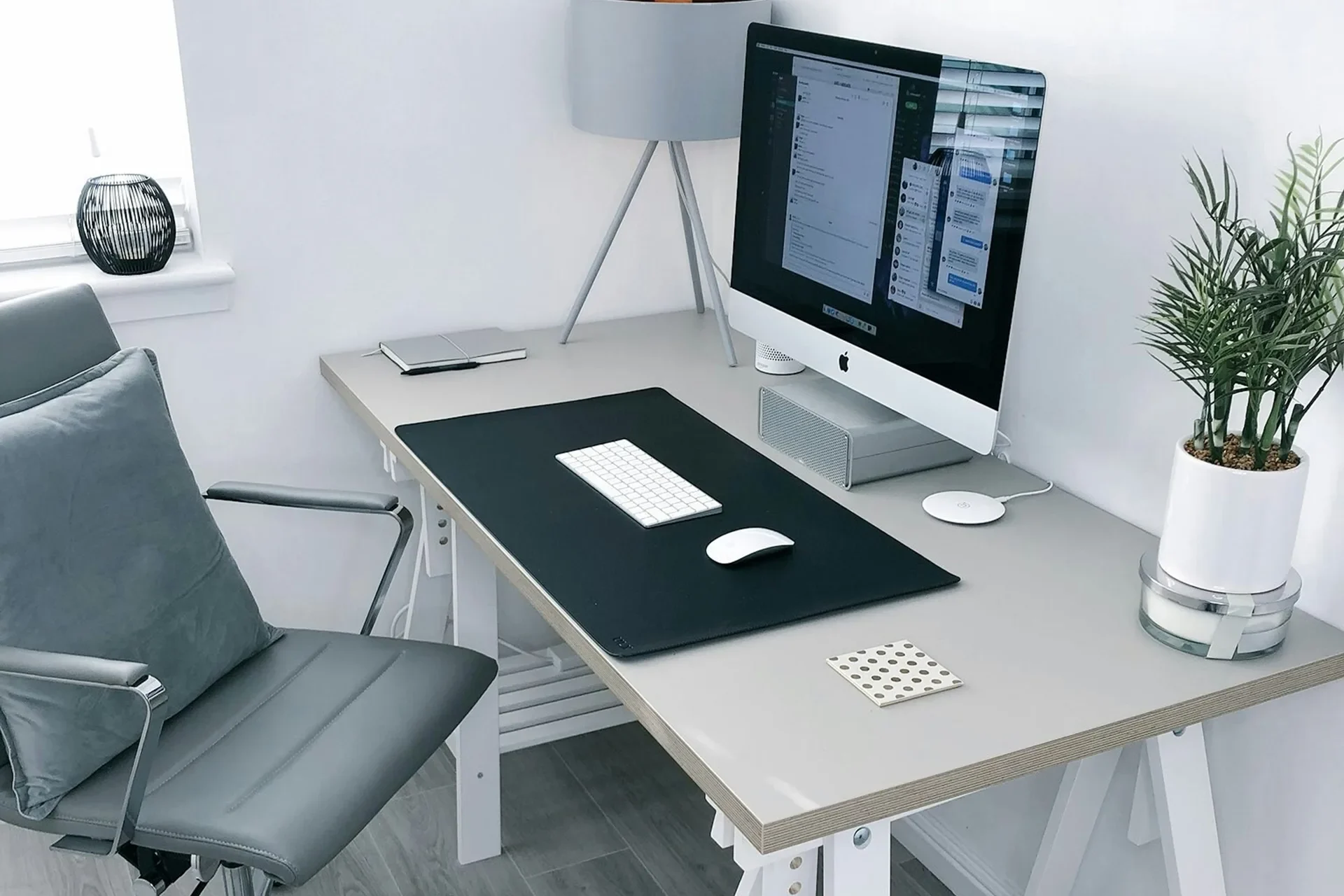
Every FrontTheme product follows the same workflow—from initial concept to final deployment. Here’s exactly how I build WordPress themes, step by step.
Phase 1: Research & Planning (1-2 days)
Understanding the Project
Before touching design tools or code, I answer:
Who is this for?
What problem does it solve?
What features are essential?
Competitive Analysis
I study 5-10 similar themes:
Tools:
Phase 2: Design (3-5 days)
Wireframing
I start with low-fidelity wireframes in Figma:
Why wireframes first?
Key pages to wireframe: –
High-Fidelity Design
Once wireframes are approved, I create pixel-perfect mockups:
Design System First:
Desktop First, Then Mobile: I design desktop layouts first, then adapt for mobile. Controversial, I know, but it works for my process.
Tools:
Deliverables:
Phase 3: Environment Setup (1 hour)
Local Development
Tools:
Project Structure
theme-name/
├── assets/
│   ├── css/
│   ├── js/
│   ├── fonts/
│   └── images/
├── inc/
│   ├── classes/
│   ├── customizer/
│   └── post-types/
├── src/
│   ├── js/
│   └── sass/
├── template-parts/
├── functions.php
├── style.css
└── package.json
Build Tools Setup
# Initialize npm
npm init -y

# Install Vite
npm install --save-dev vite

# Install SASS
npm install --save-dev sass

# Create vite.config.js
touch vite.config.js
Phase 4: Core Theme Development (1-2 weeks)
Step 1: Basic WordPress Files
// style.css - Theme header
/*
Theme Name: Theme Name
Author: FrontTheme
Version: 1.0.0
*/

// functions.php - Theme setup
function theme_setup() {
  add_theme_support('title-tag');
  add_theme_support('post-thumbnails');
  register_nav_menus([
    'primary' => 'Primary Menu',
  ]);
}
add_action('after_setup_theme', 'theme_setup');
Step 2: SCSS Architecture
// style.scss structure
@use 'abstracts/variables';
@use 'abstracts/mixins';
@use 'base/reset';
@use 'base/typography';
@use 'components/buttons';
@use 'components/cards';
@use 'layout/header';
@use 'layout/footer';
@use 'pages/home';
Step 3: JavaScript Modules
// main.js structure
import './modules/navigation.js';
import './modules/animations.js';
import './modules/ajax-load.js';
import {initLazyLoad} from './modules/lazy-load.js';

document.addEventListener('DOMContentLoaded', () => {
  initLazyLoad();
});
Step 4: Template Hierarchy
Build templates in order:
- header.php & footer.php(foundation)
- index.php (fallback)
- front-page.php(homepage)
- single.php (blog posts)
- archive.php (blog archive)
- page.php (static pages)
- 404.php (error page)
Phase 5: Custom Features (1 week)
Custom Post Types
function register_portfolio_cpt() {
  register_post_type('portfolio', [
    'labels' => [
      'name' => 'Portfolio',
      'singular_name' => 'Project',
    ],
    'public' => true,
    'has_archive' => true,
    'supports' => ['title', 'editor', 'thumbnail'],
    'menu_icon' => 'dashicons-portfolio',
  ]);
}
add_action('init', 'register_portfolio_cpt');
AJAX Filtering
// Frontend
fetch(ajaxurl, {
  method: 'POST',
  body: new FormData(filterForm)
})
.then(res => res.json())
.then(data => {
  updateResults(data.html);
});
// Backend
function ajax_filter_posts() {
check_ajax_referer('filter_nonce');
$args = [
'post_type' => 'post',
'posts_per_page' => 12,
'tax_query' => // ... filters
];
$query = new WP_Query($args);
ob_start();
while ($query->have_posts()) {
$query->the_post();
get_template_part('template-parts/content');
}
$html = ob_get_clean();
wp_send_json_success(['html' => $html]);
}
add_action('wp_ajax_filter_posts', 'ajax_filter_posts');
add_action('wp_ajax_nopriv_filter_posts', 'ajax_filter_posts');Customizer Settings
function theme_customizer($wp_customize) {
  $wp_customize->add_section('theme_colors', [
    'title' => 'Theme Colors',
  ]);

  $wp_customize->add_setting('primary_color', [
    'default' => '#007bff',
  ]);

  $wp_customize->add_control(new WP_Customize_Color_Control(
    $wp_customize,
    'primary_color',
    [
      'label' => 'Primary Color',
      'section' => 'theme_colors',
    ]
  ));
}
add_action('customize_register', 'theme_customizer');
Phase 6: Animation & Polish (2-3 days)
GSAP Animations
import {gsap} from 'gsap';
import {ScrollTrigger} from 'gsap/ScrollTrigger';

gsap.registerPlugin(ScrollTrigger);

// Fade in on scroll
gsap.from('.card', {
  scrollTrigger: {
    trigger: '.card',
    start: 'top 80%',
  },
  opacity: 0,
  y: 50,
  duration: 0.8,
  stagger: 0.2,
});
Lazy Loading Images
// Helper function
function lazy_image($image_id, $size = 'large') {
  $src = wp_get_attachment_image_url($image_id, $size);
  $srcset = wp_get_attachment_image_srcset($image_id, $size);

  return sprintf(
    '<img data-src="%s" data-srcset="%s" class="lazy-load" alt="%s">',
    esc_url($src),
    esc_attr($srcset),
    esc_attr(get_post_meta($image_id, '_wp_attachment_image_alt', true))
  );
}
Phase 7: Testing (2-3 days)
Functionality Testing
- [ ] All forms submit correctly
- [ ] AJAX features work without page refresh
- [ ] Navigation works on all devices
- [ ] Search functionality works
- [ ] Contact form delivers emails
Cross-Browser Testing
Test in:
Tools:
Performance Testing
Tools:
Check:
- [ ] Images lazy load
- [ ] JavaScript deferred
- [ ] CSS minified
- [ ] No console errors
- [ ] No 404 errors
Accessibility Testing
Tools:
Check:
- [ ] Proper heading hierarchy (H1 → H6)
- [ ] Alt text on all images
- [ ] ARIA labels on interactive elements
- [ ] Keyboard navigable
- [ ] Color contrast passes WCAG AA
Phase 8: Documentation (1-2 days)
README.md
# Theme Name

## Installation
1. Download theme
2. Upload via WordPress → Appearance → Themes
3. Activate

## Requirements
- WordPress 6.0+
- PHP 8.0+

## Customization
Go to Appearance → Customize to:
- Change colors
- Upload logo
- Set homepage layout
- Configure footer

## Support
Email: support@fronttheme.com
Code Comments
/**
 * Register custom post types
 *
 * Registers portfolio, services, and testimonials CPTs
 * with appropriate taxonomies and meta boxes.
 *
 * @since 1.0.0
 */
function register_custom_post_types() {
  // Portfolio CPT
  register_post_type('portfolio', [...]);

  // Services CPT
  register_post_type('service', [...]);
}
Phase 9: Deployment (1 day)
Pre-Launch Checklist
- [ ] Update version number in style.css
- [ ] Run production build (
npm run build) - [ ] Test on staging server
- [ ] Check all links work
- [ ] Verify contact forms deliver
- [ ] Test on real mobile devices
- [ ] Run final security scan
Package Theme
# Remove development files
rm -rf node_modules src .git

# Create ZIP
zip -r theme-name.zip .
Launch
For Client Projects:
For ThemeForest:
Lessons Learned
What Works
Start with a plan: Random coding leads to messy code.
Design systems save time: Reusable components = faster development.
Test early, test often: Catching bugs early is cheaper than fixing them later.
Document as you go: Future you will thank present you.
What Doesn’t Work
Skipping wireframes: Leads to major redesigns mid-development.
Over-engineering: YAGNI (You Aren’t Gonna Need It) is real.
Ignoring performance: Fast sites convert better, rank higher.
Neglecting accessibility: Excluding users is never worth it.
Tools I Swear By
Design:
Development:
Testing:
Productivity:
Time Breakdown
Total time for a complete theme: 3-4 weeks
Note: Times vary based on complexity. A simple blog theme might take 2 weeks. An e-commerce theme with advanced features could take 6-8 weeks.
Final Thoughts
Every developer has their own workflow. This is mine. It’s refined over years of trial, error, and client feedback.
The key? Be systematic. A good process leads to consistent quality.
Start organized. Build methodically. Test thoroughly. Document clearly.
The themes you ship will be better for it.
What’s your WordPress theme development workflow? Share in the comments!
